
Story TV is an Indian micro-drama app designed to blend the fast-paced nature of Instagram Reels with OTT-style storytelling. As part of the Eloelo Group, the platform focuses on vertical, one-minute “desi” content. Recently Voxya has started receiving hundreds of complaints against Story TV demanding cancellation and refund from Story TV.
The app is particularly popular among young audiences, especially in rural areas, who are looking for engaging, masala-style entertainment.
But it is facing criticism in recent times, with some users alleging scam-like auto-pay practices, claiming that monthly subscription charges are activated without clear consent.
In this article, we will explain how to cancel the Story TV subscription and request a refund for any charges incurred.
How to cancel Story TV Auto pay?
To stop or cancel a UPI AutoPay mandate for StoryTV (or similar apps), open your UPI app (PhonePe, Paytm, Google Pay), go to the “Autopay” or “Mandates” section, select the StoryTV subscription, and tap “Cancel” or “Revoke,” followed by entering your UPI PIN.
This action is permanent, preventing future automatic deductions.
Steps to Cancel UPI AutoPay (General):
- Paytm: Profile -> UPI & Payment Settings -> UPI AutoPay -> Select Mandate -> Cancel.
- Google Pay: Profile -> Settings -> Recurring Payments -> Select Mandate -> Cancel.
- PhonePe: Profile -> Autopay -> Select Mandate -> Revoke.
Key Considerations for StoryTV or Subscription Apps:
- Cancel In-App: You can cancel the AutoPay directly within the app’s subscription settings.
- Check “Live” Mandates: Ensure you select the active mandate to revoke it.
- Contact Support: If the app does not show the mandate, contact the bank or use the support option within the StoryTV app.
- Refund Policy: Some services, like STAGE, offer a “no-questions-asked” refund policy if you reach out, even if AutoPay was triggered.
Always check for a confirmation message after cancelling to ensure no further payments are made.
How to get refund from Story TV?
To get a refund for a Story TV auto-pay subscription, immediately contact their customer support via the app or website and request a cancellation of the charge. Within 48 hours, request a refund via Google Play for faster processing. If they do not respond, initiate a dispute/chargeback with your bank or payment provider (e.g., UPI).
Steps for Refund and Cancellation:
- Request Refund: Email or contact Story TV support stating the date, amount, and reason for the refund to stop future deductions.
- Cancel Subscription: To prevent future charges, cancel the subscription immediately in the Google Play Store (Profile > Subscriptions).
- Stop Future Autopay: Disable the Auto-Renewal/Autopay feature directly from your UPI app (PhonePe, GPay) or bank portal.
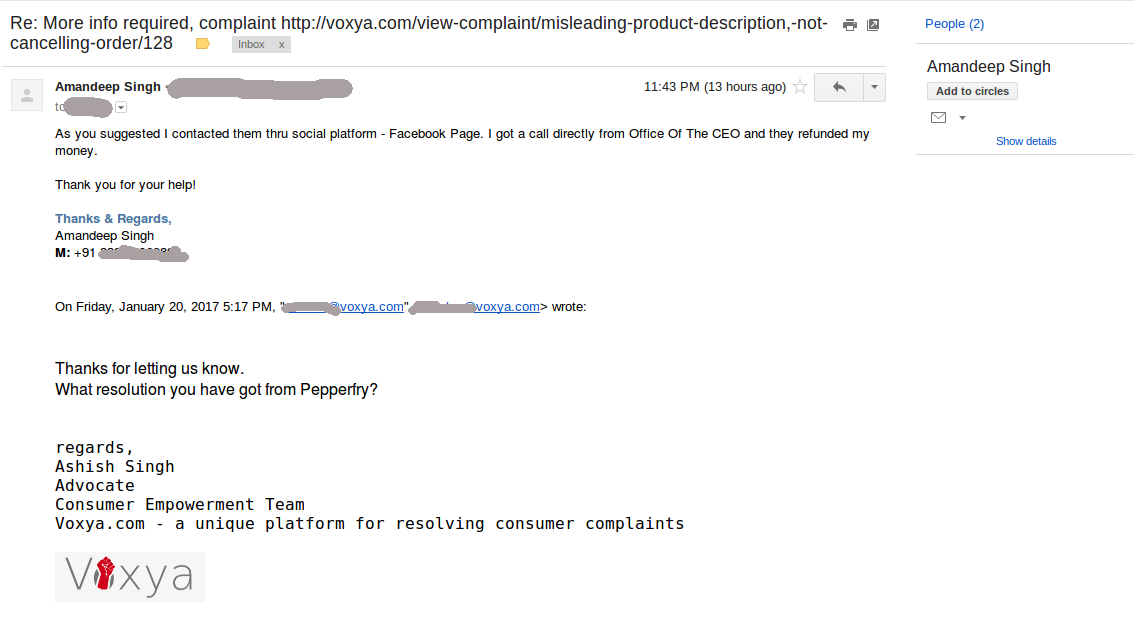
- Alternative Support: If no response is received, document everything and use a consumer complaint platform like Voxya to file a complaint.
Important Information
- Some plans are listed as non-refundable in the T&C, making immediate cancellation and bank dispute necessary.
- If the subscription was bought through a third-party app store, that store must handle the refund.
If you do not get any results, you can seek legal help from professional lawyers from Voxya who can help you in getting refund and cancelling subscription.